The washing machine is empty and the buyer is on the way. Your phone still shows its remaining cycle time. That connection is easy to forget when the appliance itself looks ready to leave.
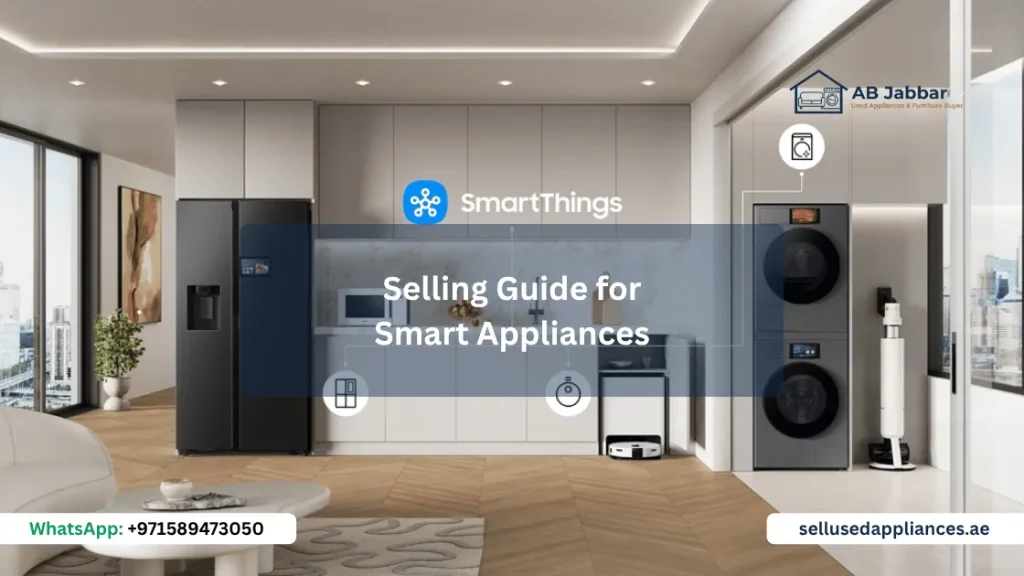
When selling a smart appliance, prepare its digital connections as well as its physical condition. Check linked accounts, saved information and the manufacturer’s handover instructions.
Removing a device from an app and resetting the appliance can be different actions. The correct steps depend on the exact model and platform.
First, find out what is connected
Start with the app you use to control the appliance. Look for the correct device and confirm its model or identifying details.
Then check whether the appliance has its own screen and signed-in account. Depending on the model, it may also have personal content, profiles or connected services.
A useful starting list is:
- The appliance manufacturer’s app.
- Any account shown on the appliance itself.
- Shared household access.
- Voice-assistant or smart-home connections.
- Routines that include the appliance.
- Personal content you want to keep.
Not every appliance has all these features. Record what exists on yours instead of following a generic list blindly.
Keep the appliance identity separate from your account
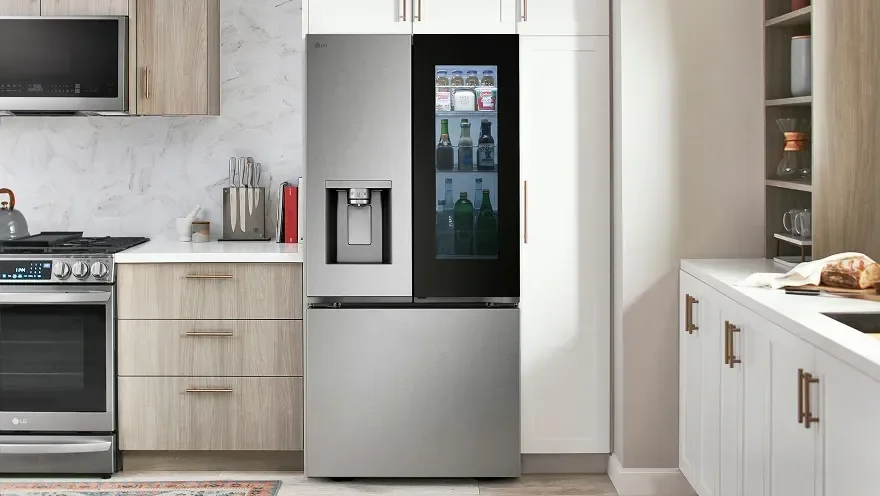
The buyer needs the model number and relevant product information. They do not need your password, verification codes or access to your wider smart home.
Keep a photograph of the model label and any useful repair records. Save the manual reference before removing app access.
If several similar devices appear in your app, identify the one being sold carefully. Removing the wrong appliance creates an unnecessary problem for the household.
For the physical photographs buyers need, see our used-appliance photo guide. Avoid including personal screens or account details in public listing pictures.
Understand why app removal may not be enough
Samsung’s SmartThings device-management guidance notes that some touchscreen appliances can remain signed into a Samsung account after removal from SmartThings. It directs owners to a factory reset to clear information from those appliances.
That does not create one universal reset method for every Samsung product. Follow the instructions for the exact model you own.
Other systems have their own sequence. Home Connect’s account privacy guidance says to reset an appliance to factory settings before deleting the relevant account or app when selling it. It also distinguishes removing individual products from deleting the entire account.
These examples explain why deleting an app from your phone is not a reliable handover procedure. The appliance and cloud account may require separate attention.
Save what matters before resetting
A reset may remove settings or personal content you want to retain. Review the model’s instructions before confirming it.
Where the product supports it, save or export the information you need. You might instead make a private note of preferred settings.
Do not assume that information will remain recoverable afterwards. Also avoid copying personal data onto a device or account that will go to the buyer.
If you cannot find the appropriate instructions, contact the manufacturer’s support service. Give them the exact model and explain that you are transferring ownership.
Plan inspection and reset together
A buyer may want to see the appliance’s connected functions before agreeing to the sale. Arrange that demonstration while you still have authorised access.
Show the feature yourself. There is no need to give the buyer your account credentials or add them to your household account merely for a viewing.
Once inspection is complete and handover is proceeding, follow the manufacturer’s removal and reset sequence. Leave time to check the result before collection.
Keep power and any required internet access available until the process is finished. Physical disconnection should happen afterwards, according to the agreed collection arrangement.
For broader timing questions, read our appliance collection planning guide.
Check the result from both sides
Look at the appliance after completing the documented steps. Does it still show your name, personal content or signed-in profile?
Then check your app or account. Confirm the sold device no longer has active access through your account, using the platform’s own guidance.
An “offline” label alone does not prove removal. It may simply mean the appliance has lost its connection.
Also review any routines or linked services you created around it. Remove obsolete references using the relevant service’s controls, without disturbing devices you are keeping.
The aim is a clean handover, not deletion of your entire household setup.
What if the buyer cannot connect it?
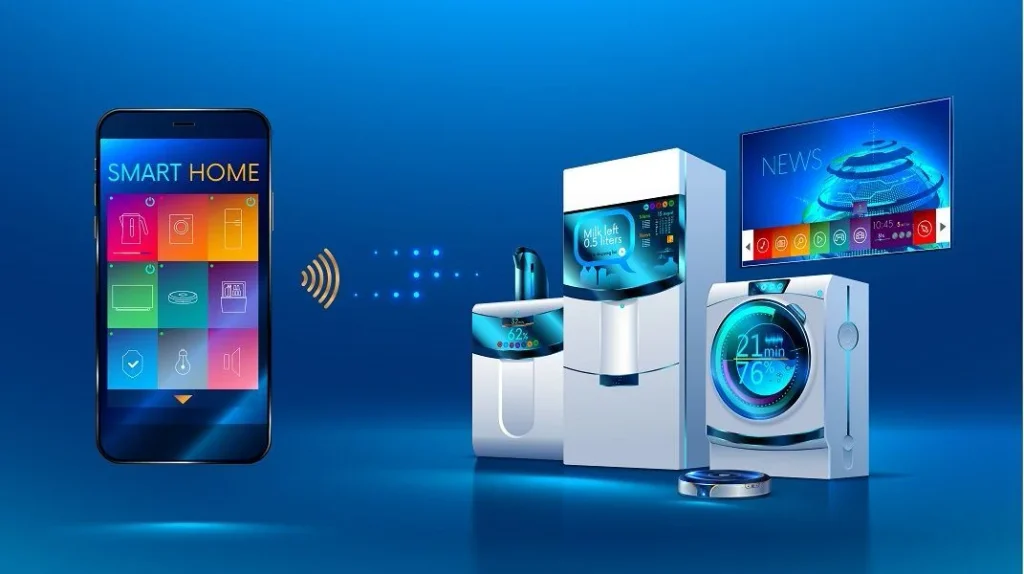
A connection problem does not always mean the previous owner is still linked. Compatibility, network settings, app availability or model-specific requirements may also matter.
Be accurate about what you tested. If you demonstrated local controls but never tested the app, say so.
If a previous-owner association remains, resolve it through the legitimate owner account or manufacturer support. Do not promise that the buyer can bypass it later.
For an appliance you inherited with a rental property, establish who owns it and controls its account before arranging a sale. A reset should not substitute for permission to transfer the item.
Write a short handover record
A simple record helps both people understand what was checked. It can sit alongside the agreed item description and collection details.
| Item | What to record |
|---|---|
| Appliance | Exact model and identifying reference |
| Functions demonstrated | Local controls and any connected features tested |
| Account preparation | Documented removal/reset steps completed |
| Remaining issue | Any unresolved pairing or account problem |
| Included items | Remotes, manuals and relevant accessories |
Keep the record factual. Do not describe the appliance as fully cleared if you could not verify the reset.
Prepare the digital handover before collection day
A smart appliance should leave with its product information and accessories. Your household account should remain yours.
Check the model’s instructions early, demonstrate the agreed features and complete the account steps before the appliance leaves. This gives you time to resolve questions while you still have access to it.
Contact SellUsedAppliances.ae with the model, condition and photographs to request an assessment. Mention any unresolved account or connectivity issue alongside physical faults so it can be considered before collection.